Systems5 min read
CRM vs ERP: which one does your business need first?
A CRM runs your customers. An ERP runs your operation. How to tell which problem you actually have, and when one system should do both.

Jake GaleaFounder and CEO, Brnded17 ·
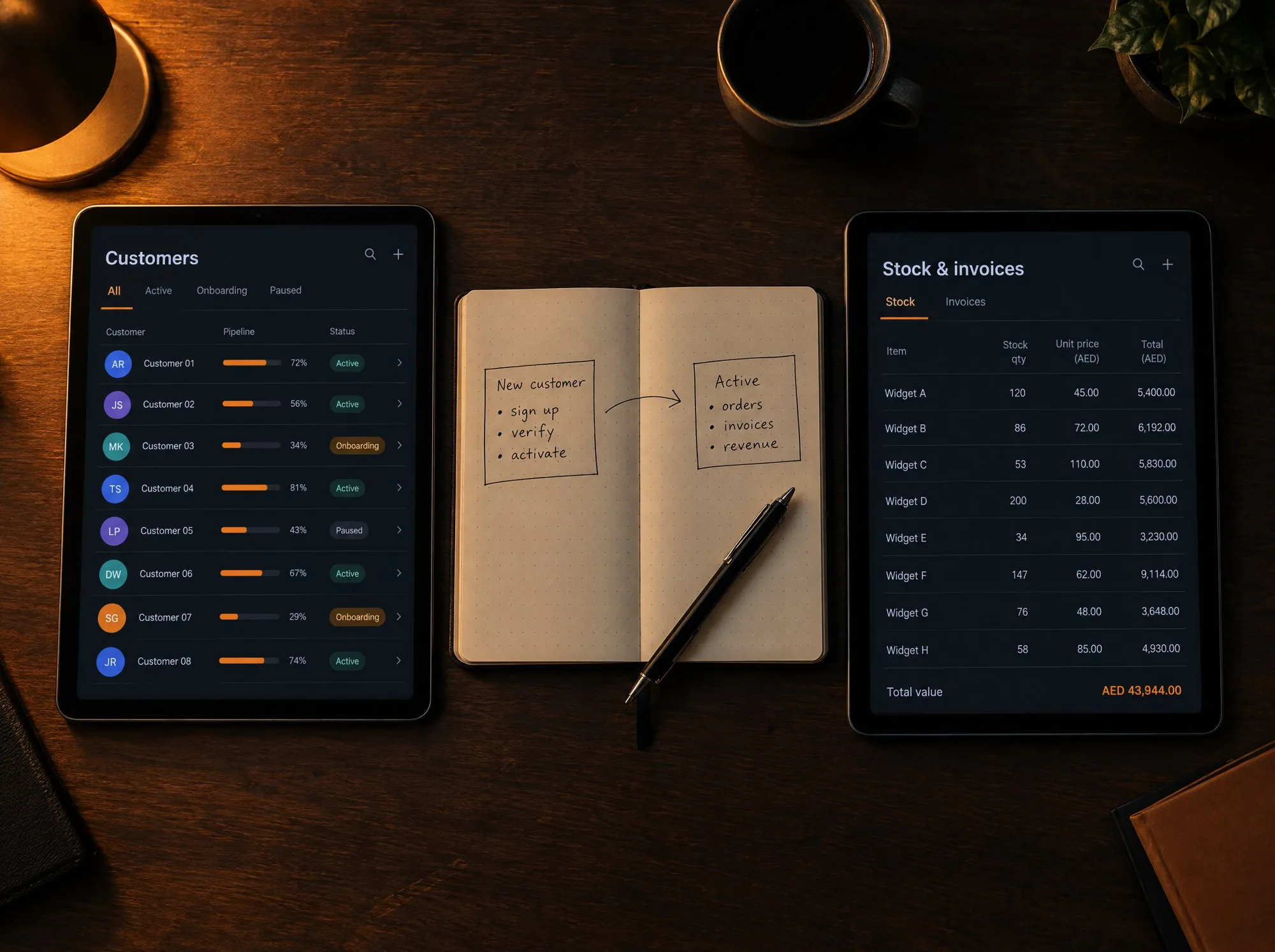
- Runs customers and sales
- CRM
- Runs orders, stock and money
- ERP
- Custom system, fixed quote
- From AED 25,000
Key points
- A CRM tracks the people you sell to. An ERP tracks the work you do for them.
- Losing enquiries points to a CRM. Losing track of orders, stock or money points to an ERP.
- For most small businesses it is one customer journey, so one system that covers both is often the better build.
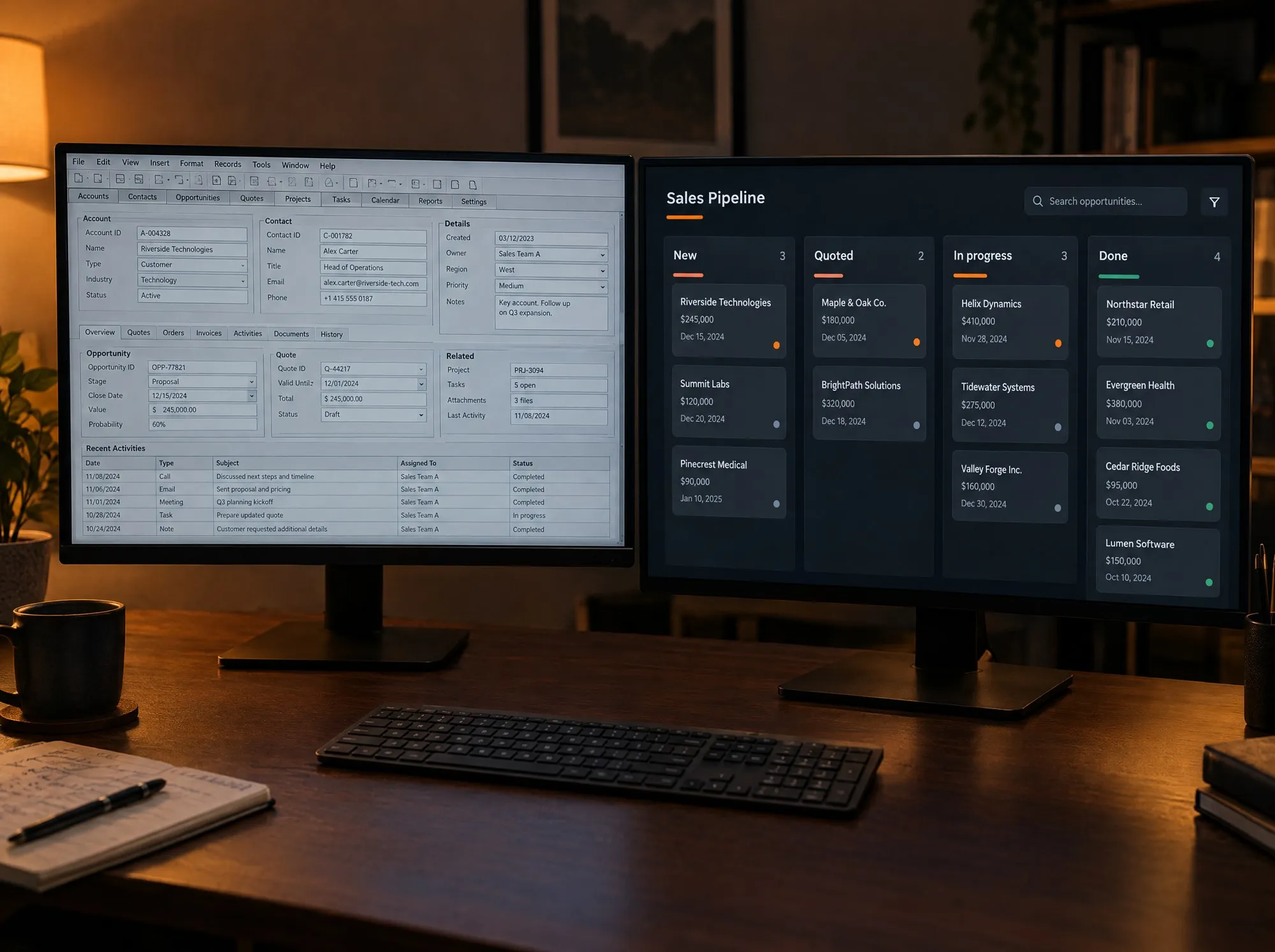
A CRM (customer relationship management system) keeps track of the people you sell to: who enquired, what they asked for, what you quoted and what happens next. An ERP (enterprise resource planning system) keeps track of the work itself: orders, stock, invoices, deliveries and staff.
If enquiries are slipping through the cracks, you need a CRM first. If orders, stock or money are what you keep losing track of, you need an ERP first.
That is the short answer. The rest of this article shows you how to tell which problem you actually have, because the two overlap more than the names suggest.
What a CRM does
A CRM gives every lead and customer one record, and gives every record an owner and a next step.
Take a property brokerage in Dubai. Leads arrive from the website, from portals, from Instagram and from WhatsApp. Without a CRM they live in four inboxes and one person’s memory. With a CRM each lead lands in one list, is assigned to an agent, and shows when it was last contacted and when it is due a follow-up. The manager can see, on one screen, how many enquiries came in this month and how many became viewings.
The first thing a CRM fixes is simple: no enquiry goes unanswered.
What an ERP does
An ERP follows the work from the moment a customer says yes until the money is in the bank.
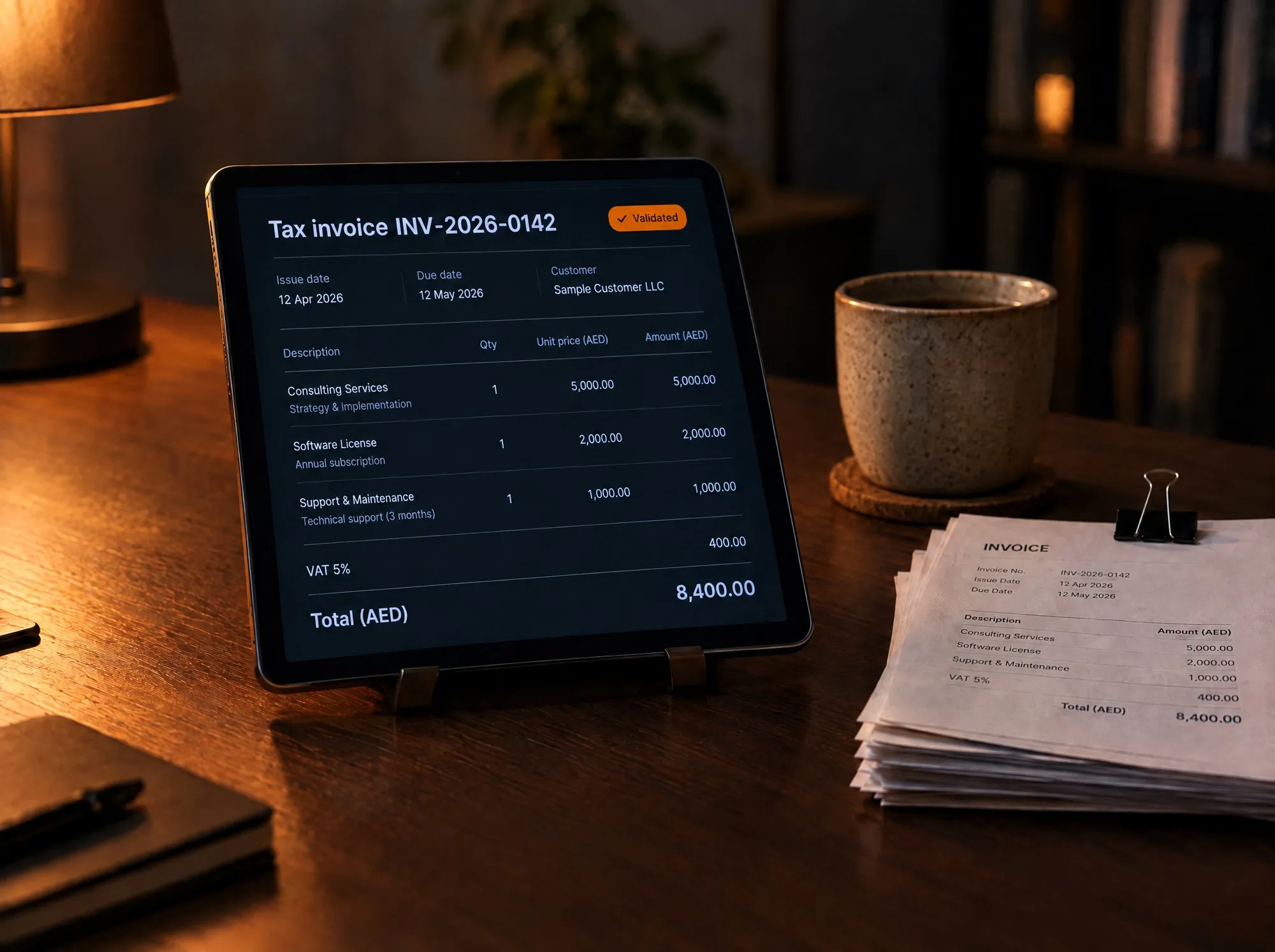
Take a servicing business. An item comes in and gets a job number. It moves through stages, uses parts from stock, is checked, invoiced, paid for and delivered. Without an ERP each of those steps lives in a different spreadsheet. With an ERP they are one record that everyone updates, so the front desk can tell a customer where their order is without phoning the workshop.
The first thing an ERP fixes is just as simple: no order, item or payment gets lost.
CRM vs ERP at a glance
| CRM | ERP | |
|---|---|---|
| Looks after | People: leads, customers, conversations | Work: orders, stock, invoices, deliveries, staff |
| The question it answers | Who do we need to speak to today? | What do we need to make, ship or collect today? |
| Used mostly by | Sales and customer service | Operations, finance and management |
| First win | Every enquiry gets a reply and a follow-up | Every order can be found, tracked and invoiced |
| Life without it | Leads live in WhatsApp and someone’s memory | Operations live in spreadsheets |
Five signs you need a CRM first
- Enquiries arrive in several places and nobody is sure who replied.
- You cannot say how many enquiries you had last month, or how many became sales.
- Follow-ups happen only when someone remembers.
- When a salesperson leaves, their contacts leave with them.
- You pay for Meta or Google ads and cannot tell which ones produce customers.
Five signs you need an ERP first
- The same order is typed into two or three spreadsheets.
- You find out something is out of stock when a customer asks for it.
- Invoices go out late, or not at all.
- Nobody can say where an order is without making a phone call.
- Month-end takes days because the numbers live in different files.
If you ticked boxes in both lists, that is normal. It usually means the real problem is that sales and operations do not share the same information.
When one system should do both
For a small or mid-sized business, the line between CRM and ERP is mostly a software vendor’s distinction. A customer enquires, you quote, they order, you deliver, you invoice. That is one journey. Splitting it across two products means typing things twice and reconciling them at the end of the month.
This is why the system Brnded17 built for The Refined Luxury is one system and not two. Client records, quotes, servicing orders, subscriptions, resale, bookings and finances all share the same data, so a quote becomes an order without anyone copying it. You can read how it works in the operations system case study. The same idea runs through WhizzFix, where a booking made on the website lands directly in the staff system with its payment attached.
There is one case for keeping things separate. If your accountant already relies on an accounting package, keep it and connect your system to it. Replace the spreadsheets, not the tools that already work.
What each costs, and how long it takes
Off-the-shelf CRMs and ERPs are usually priced per user, per month, for as long as you use them, with setup and customisation on top. The bill grows as your team grows. We compare those costs in detail in custom CRM or HubSpot, Zoho and Salesforce.
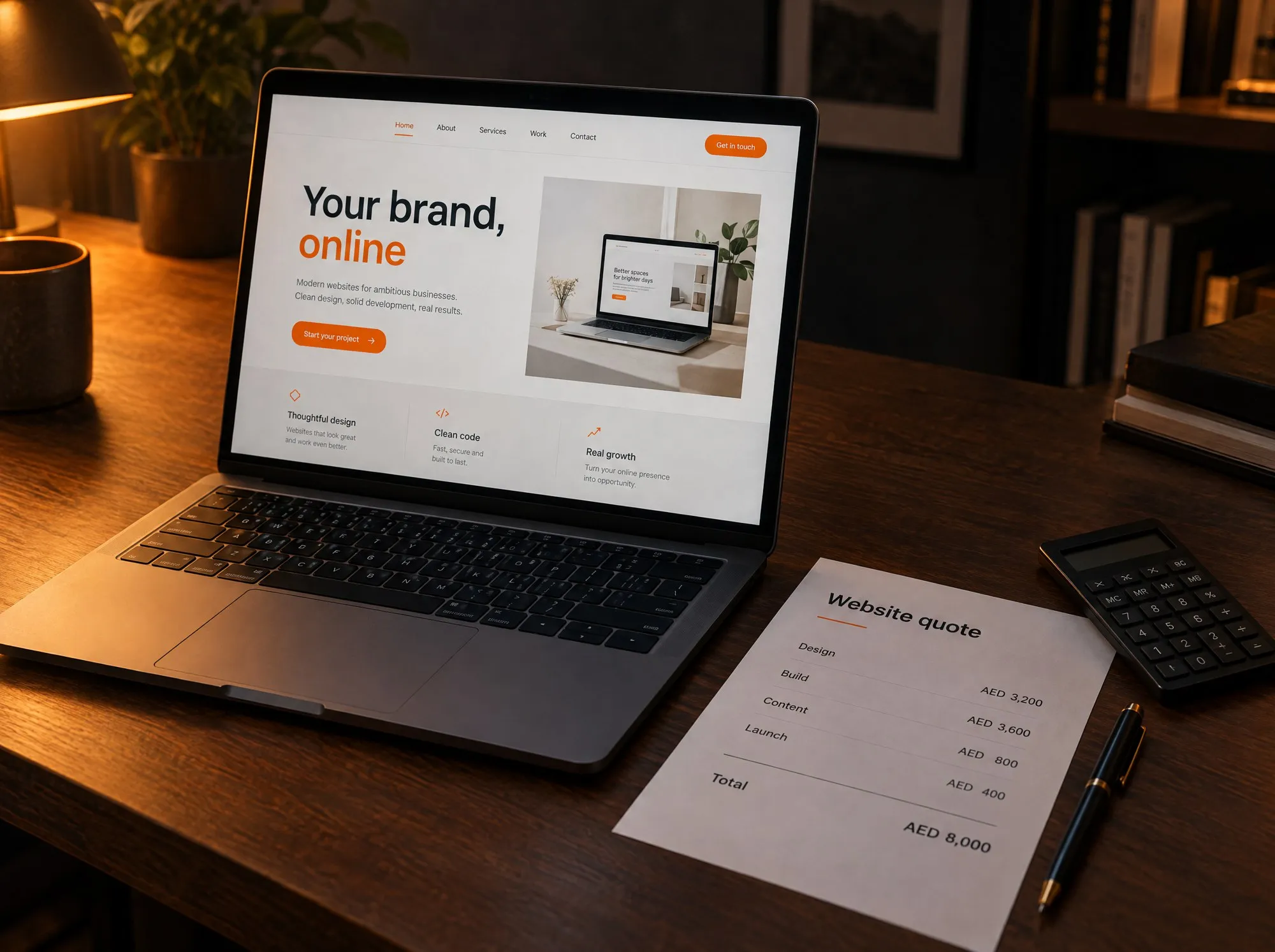
A custom system is priced the other way round: you pay once to build it, then a small monthly fee to host and look after it. At Brnded17, custom CRMs and custom ERPs start from AED 25,000 (about USD 6,800), quoted at a fixed price after a discovery call. Care and hosting is AED 400 to 500 per month.
We build in phases. The first phase is the smallest version that is useful on its own, so your team is working in the new system early and each later phase adds to something already in use.
What to do first
You do not need to choose software yet. Start with a pen.
- Follow one customer. Write down every step from their first message to their final payment, and who does each one.
- Mark the leaks. Circle every point where information is retyped, chased or lost.
- Count. How many enquiries came in last month? How many orders were late? If you cannot answer, that tells you where to start.
- Fix the biggest leak first. If it is before the sale, begin with the CRM side. If it is after the sale, begin with the ERP side.
That one page is exactly what we ask for on a discovery call. If you would like help drawing it, Brnded17 builds ERP systems for small businesses in the UAE and custom CRMs around the way your business already works.